

• 0Shopping Cart
imercury
  • 제품소개
    • 내비게이션
      • SIRIUS S
      • SIRIUS A
      • SIRIUS G
      • A-CLASS NEXT
      • F100 EDGE
      • G CLASS PE EDGE
      • SIRIUS EDGE
      • 더보기
    • 셋탑박스
      • CSS3 LIGHT A
      • CSS3 LIGHT G
      • CSS3 SETTOP A
      • G CLASS N2 SETTOP
      • I CLASS2 SETTOP
      • G CLASS2 SETTOP
      • A CLASS2 SETTOP
      • 더보기
    • BNS & 트립
      • BNS for BMW MINI
      • BNS FOR SORENTO
      • BNS FOR KONA
      • BNS FOR G4 REXTON
      • BNS FOR SONATA NR
      • BNS FOR SM6 8.7
      • BNS FOR CRUZE
      • BNS FOR NEW TRAX
      • 더보기
    • 블랙박스
      • DBASE X
      • DCODE I
      • DCODE X
      • GHOST
      • ARMOUR
      • TOPAZ I
      • MIDAS
      • TOPAZ V2
      • 더보기
    • 차량용 제품
      • 렉스턴스포츠리어범퍼패드
      • 렉스턴스포츠리어크롬가니쉬
      • 전동트렁크
      • 아이퓨어셀 12A
      • 아이퓨어셀 6A
      • 스파이더 매트
      • 숲의 향기
      • 아이카케어
      • 더보기
  • 고객지원
    • 공지사항
    • 자주묻는 질문(FAQ)
    • A/S 이용안내
  • 서비스안내
  • 택배서비스센터
  • 전국서비스센터
  • 업그레이드
  • Search
  • Menu
  • THIS IS THE EASY SLIDER

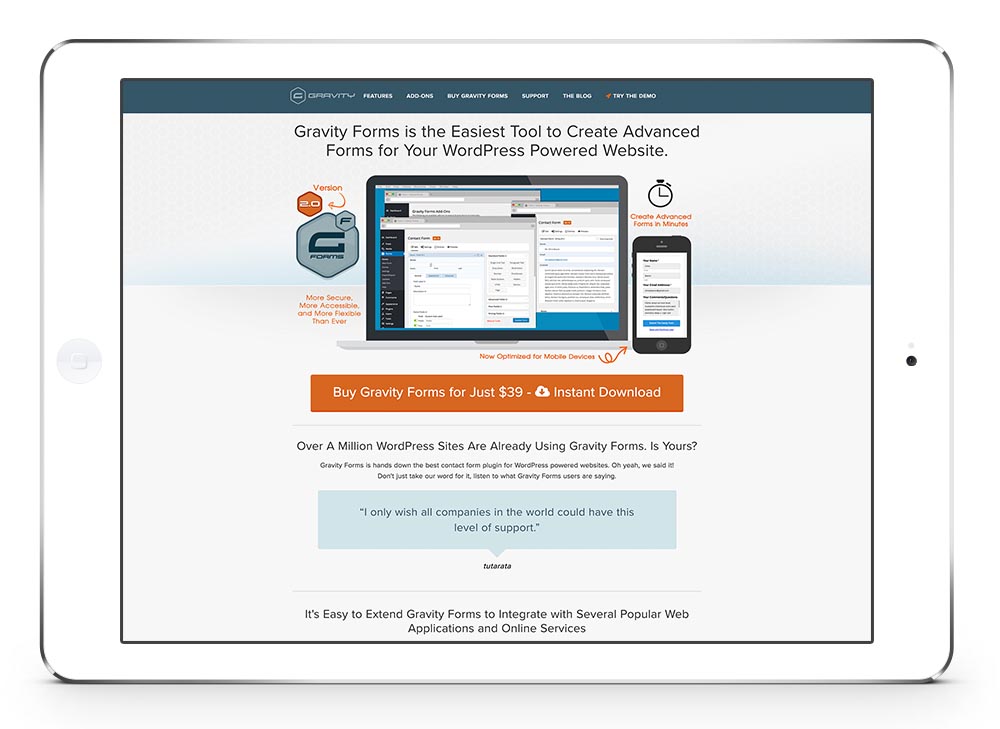
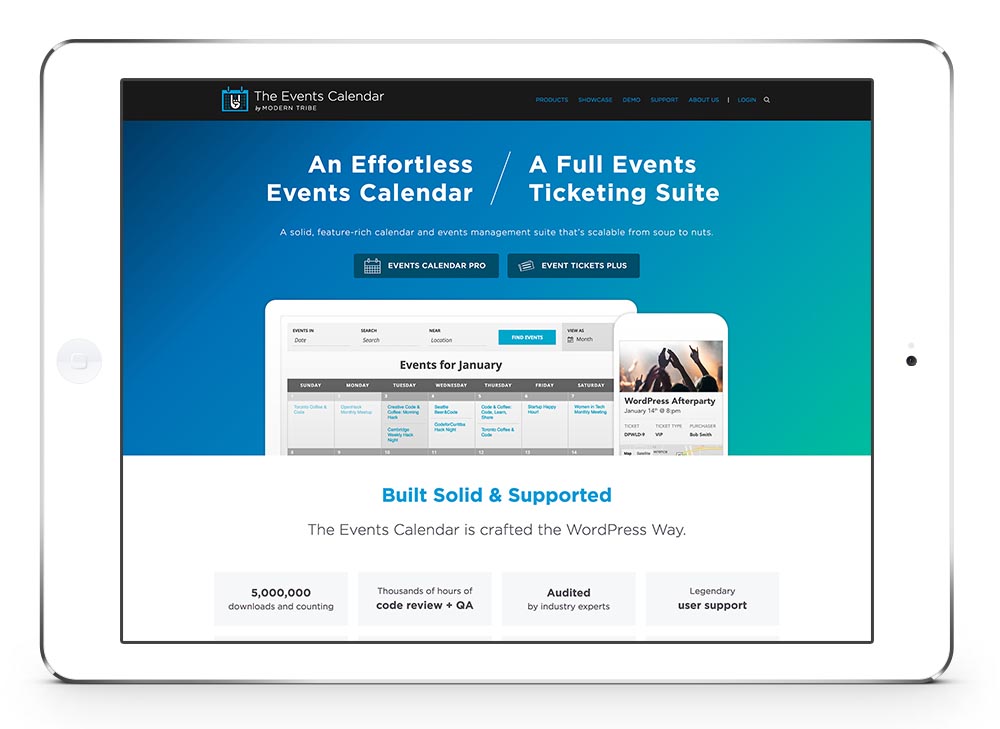
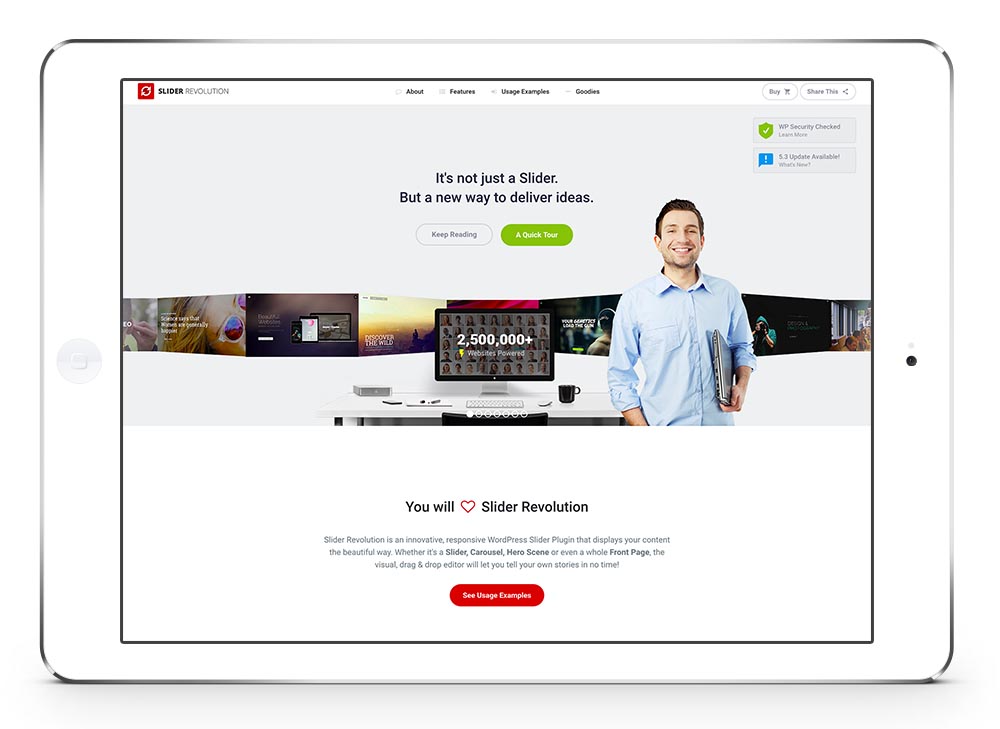
    The Easy Slideshow element allows you to setup a simple slideshow within seconds.

    Learn moreBuy Now!
  • YOU CAN SET UP YOUR CUSTOM CAPTION

    You can also choose between fade and slide transition, duration of slide interval and position.
    You can add any number of slideshows you want to a page.

    Learn moreBuy Now!
이전다음
12
이전다음
1234

Easy Slider Element

The Easy Slideshow element allows you to setup a simple slideshow within seconds, either at the top of your page, stretching across the whole viewport, or as a content element anywhere on the page.

You can choose between fade and slide transition, duration of slide interval and position.  You can add any number of slideshows you want to a page

Multiple Options

As you can see you can either set the slide animation to fade or to slide. You can also manually choose the slideshow image size from a predefined array of sizes that work well with the theme

이전다음
1234
이전다음
12
이전다음
12345

Use Graphics

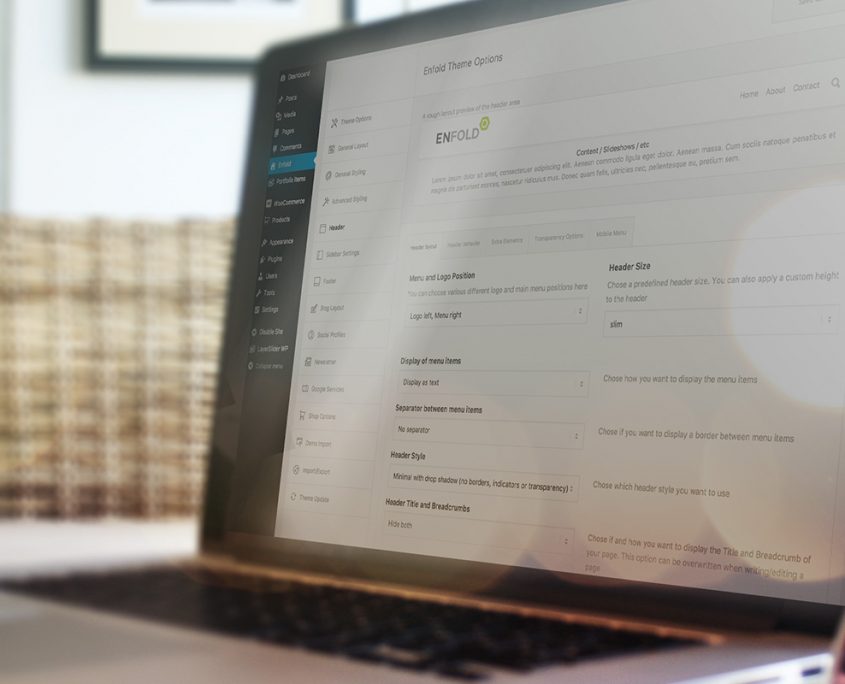
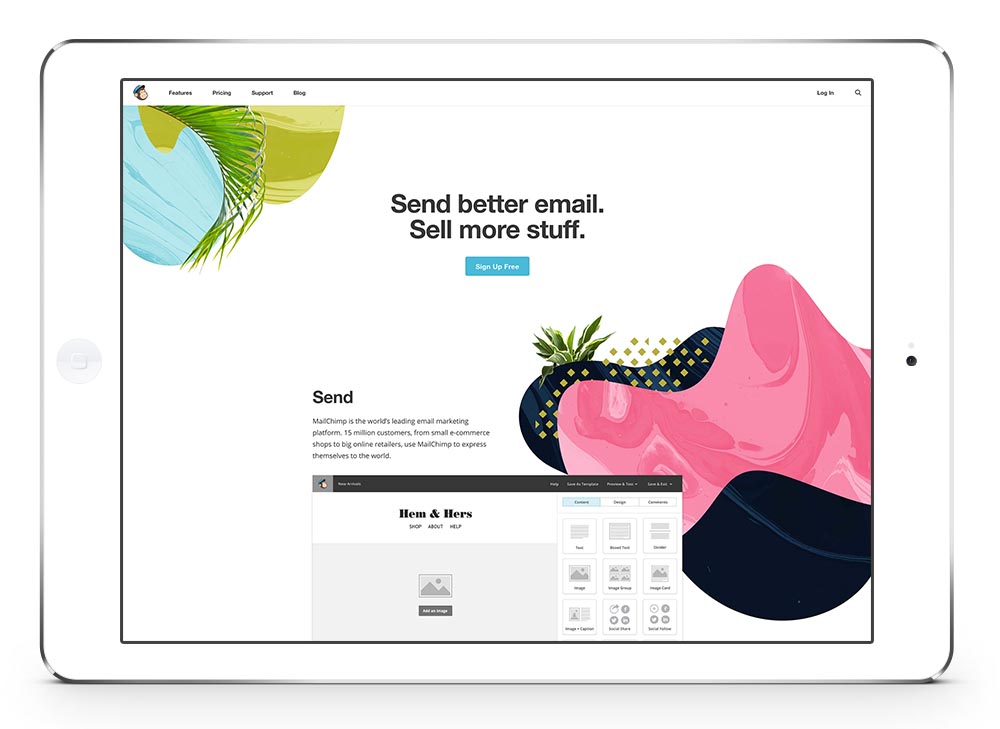
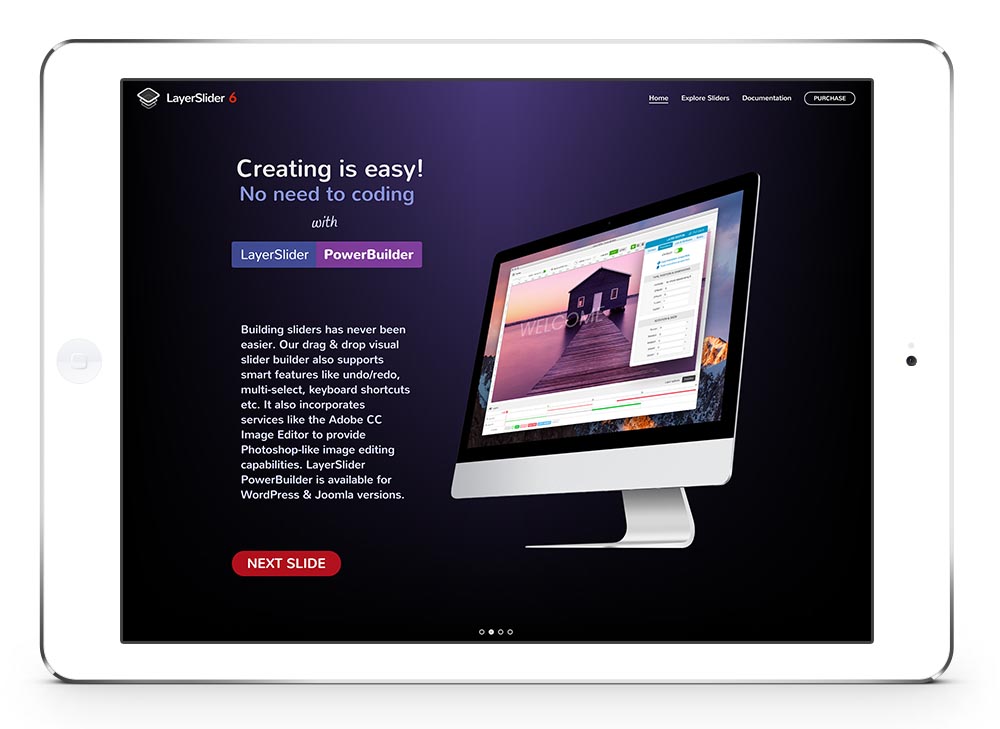
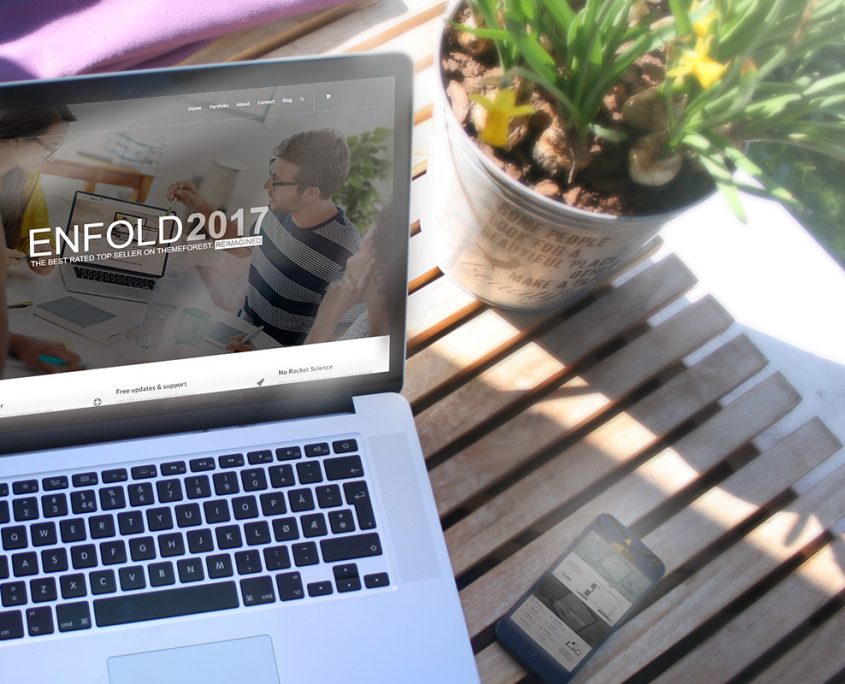
The slider works also well with graphics like an iPad or MacBook. Just create the slides in Photoshop and on your site it will look like only the display is changing.

  • Accordion & Toggles
  • Accordion Slider
  • Animated Countdown
  • Animated Numbers
  • Blog Posts
  • Buttons
  • Catalogue
  • Code Block
  • Color Section
  • Columns
  • Comments
  • Contact Form
  • Content Slider
  • Easy Slider
  • Featured Image Slider
  • Fullscreen Slider
  • Gallery
  • Google Maps
  • Grid Row
  • Headline Rotator
  • Icon
  • Icon Box
  • Icon List
  • Image
  • Image with Hotspots
  • Layerslider
  • Magazine
  • Mailchimp Signup
  • Masonry
  • Masonry Gallery
  • Notification
  • Partner/Logo Element
  • Portfolio Grid
  • Post Slider
  • Progress Bars
  • Promo Box
  • Separator/Whitespace
  • Social Share Buttons
  • Special Heading
  • Sub Menus
  • Tab Section
  • Tables
  • Tabs (Content Tabs)
  • Team Member
  • Testimonials
  • Text Block
  • Video


주식회사아이머큐리
서울특별시 금천구 가산동 345-90,
가산디지털2로 53, 한라시그마밸리 311호
  • 회사소개
  • 개인정보취급방침
  • 이메일수집거부
  • 이용약관
  • 제휴 및 광고
  • Contact Us
  • 페이스북
  • 블로그
  • 매립인사이드
사업자등록번호
106-86-56408
통신판매허가번호
제 2010-서울금천-0765호
고객센터 : 1544-1366
© Copyright – imercury2018
All Rights Reserved | Powered by IMERCURY
© Copyright - imercury - powered by Enfold WordPress Theme
  • Terms of Service
  • Legal notice
Scroll to top